![daasity_icon_RGB_On_White.jpg]](https://support.daasity.com/hs-fs/hubfs/daasity_icon_RGB_On_White.jpg?height=40&name=daasity_icon_RGB_On_White.jpg)
Criteo Setup and Integration
NOTE: To enable Daasity to pull your Criteo data, you'll need to be a Criteo Administrator.
Add the Integration in Daasity
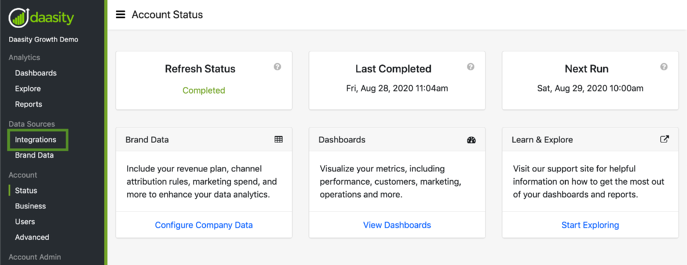
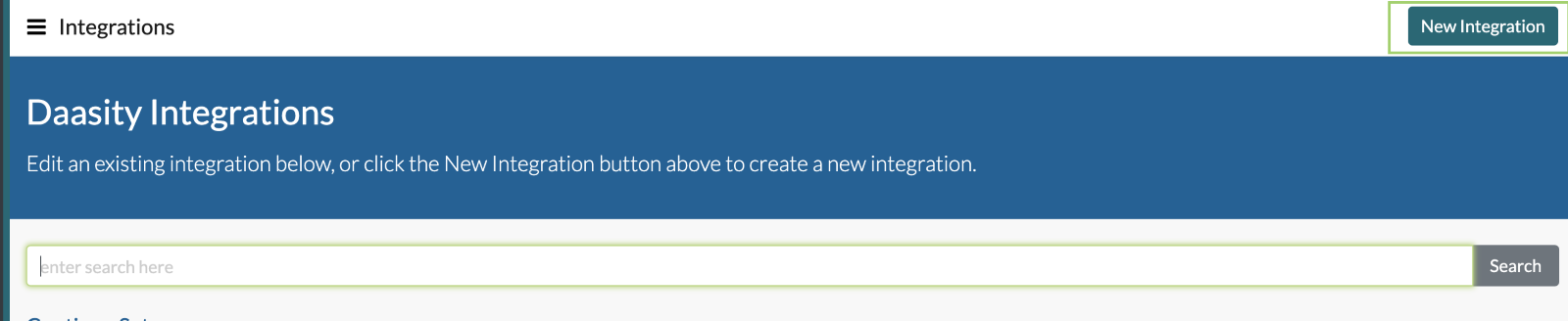
- Login to the Daasity Application and navigate to the "Integrations" page:
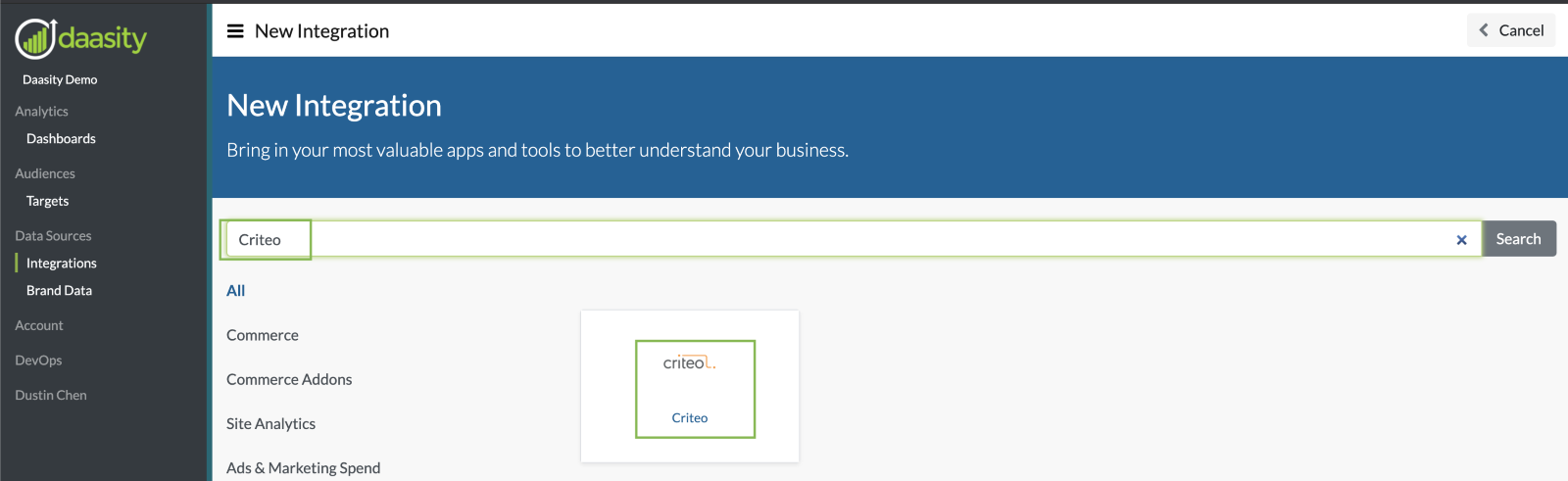
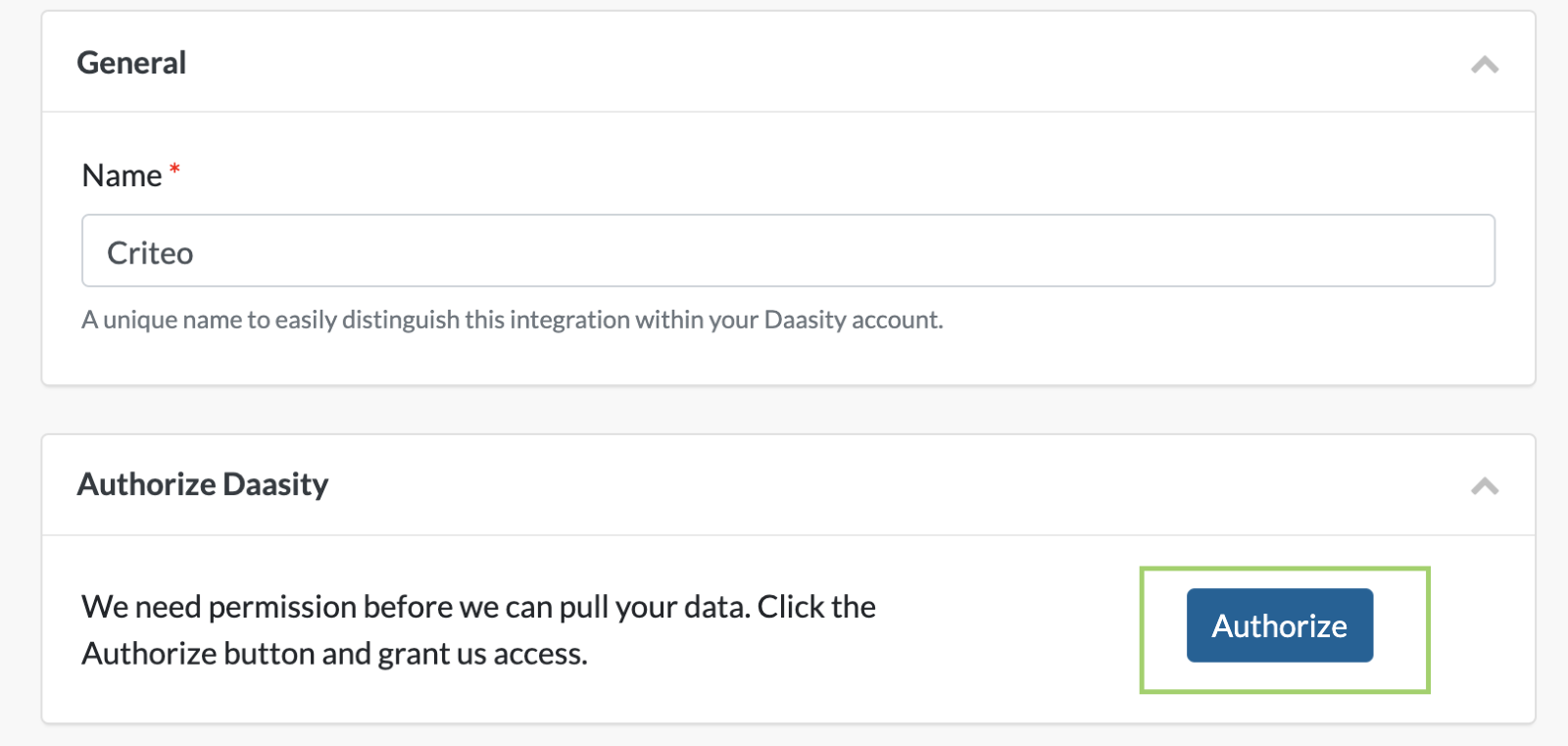
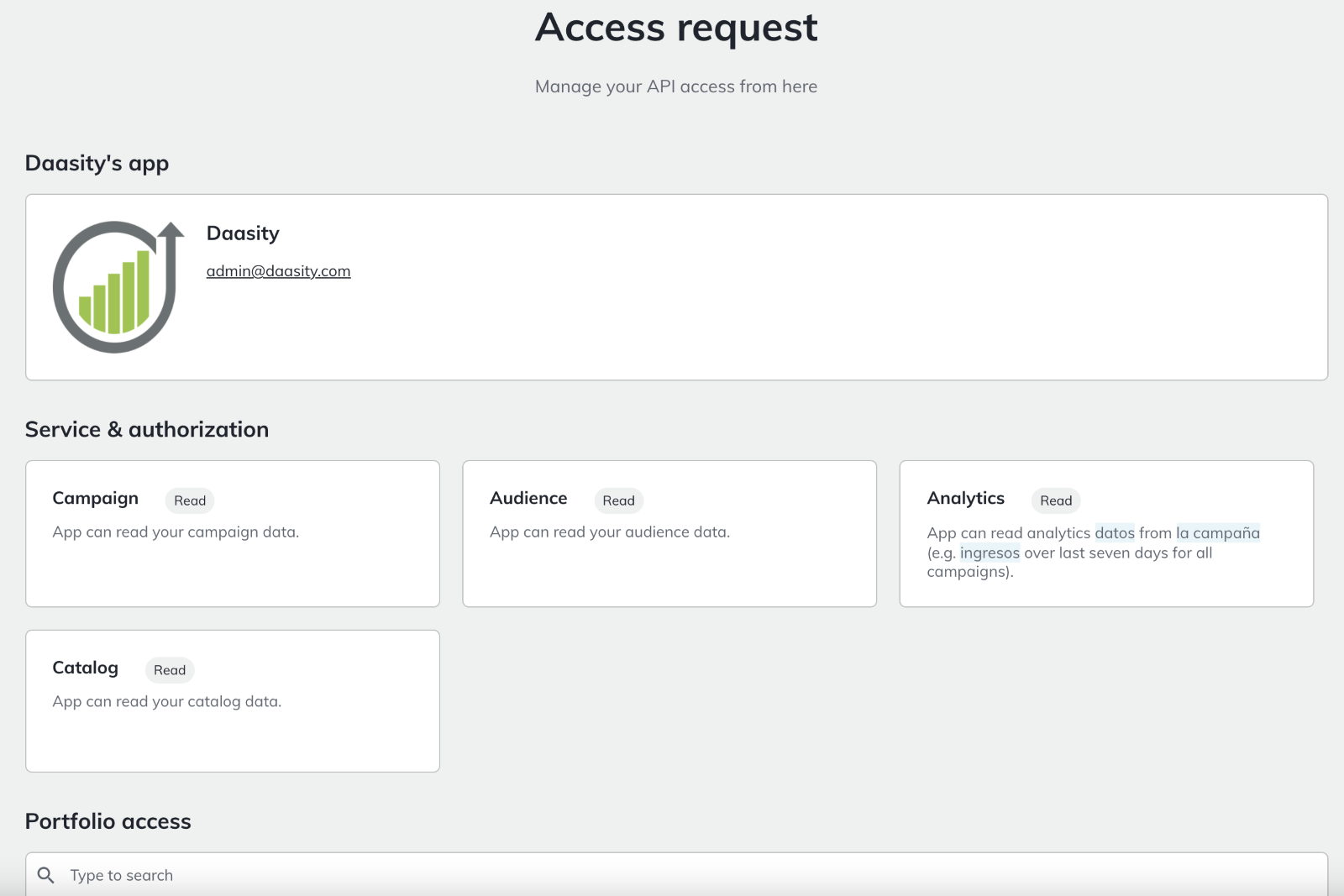
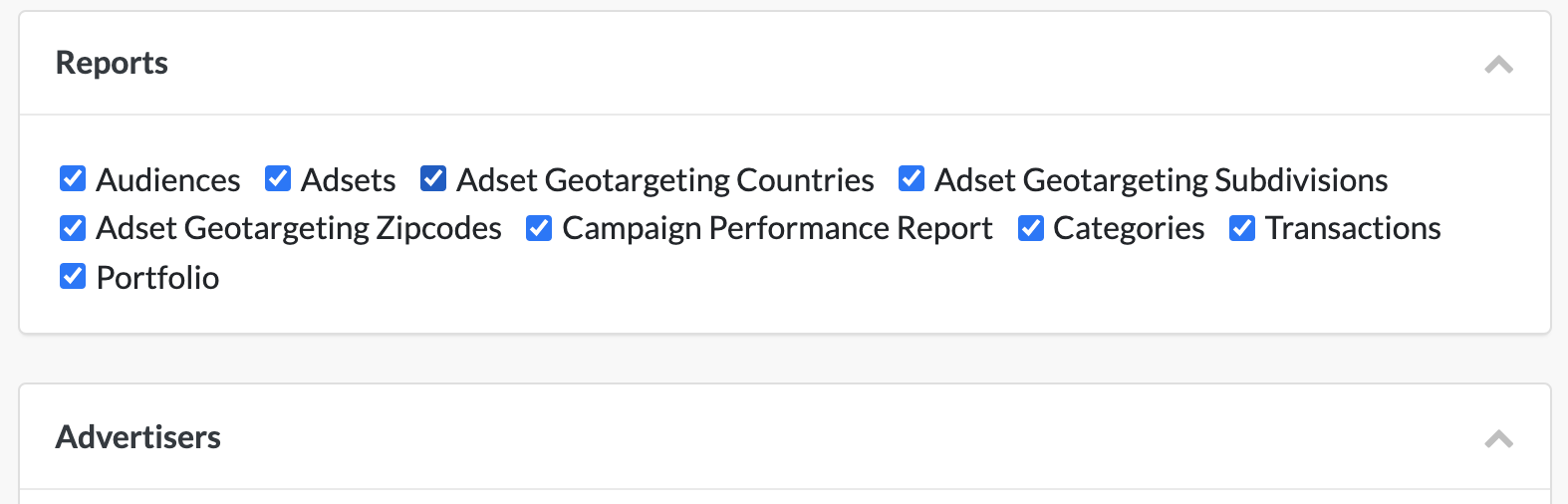
(OPTIONAL STEP: Under “Additional Details” , you can choose to link your Criteo integration to an existing eCommerce store integration.)
7. Click “Save”.
8. Enter the number of months you would like to load history for and click the blue "Start Loading X Months" button.
And that’s it! The integration will now show up on the "Integrations" page.